
Radical Change & Remembering Lines
Some Life Wisdom, Tips on Idea Development, A New Method for Remembering Knowledge, Using Workspaces in Your System, More App Switchers, and More

Hey guys! A few things that stood out from my previous week:
On Wisdom
This past week I read one of those articles that have a lot of simple, practical wisdom accumulated over years of life experience. I always enjoy reading different perspectives or thoughts about aspects of life, relationships, or even personal development. Not everything is new in this list, but there’s some good stuff in there. Some of my favorites:
Talent doesn’t feel like you’re amazing. It feels like the difficulties that trouble others are mysteriously absent in your case. Don’t ask yourself where your true gifts lie. Ask what other people seem weirdly bad at.
Environmental influence is the most effective form of behavioral control. Accordingly, if you want radical change, radically change your environment.
Much of sanity, and happiness, consists of finding the right mode for the right moment. The appreciative mode is terrible for debugging your business plan. But the evaluative mode is terrible for having a first date. A lot of capable, intelligent people suffer because they do not have the ability to switch out of the evaluative mode, or even notice that they’re in it.
On Idea Development
I read THIS ARTICLE about coming up with interesting ideas to share with others. Since I started this newsletter or posting videos on YouTube, I’ve been trying to capture my thoughts and make them helpful for others. I have a lot of notes that haven’t materialized in shareable content yet, but thinking about what interests me and trying to shape it has been really helpful for my own learning. The linked article is short, practical, and very relatable. It gave me some insights about some things that I do myself, even when I am not always noticing.
A few of my favorite highlights:
There can be a positive feedback loop here: the more interesting ideas you have and make public, the more interesting people you attract, and they provide you with more ideas, etc.
When I am with others, when I read books, when I look at Twitter—I feel like a dam filling with water, with potential energy. But it is usually not until I spend a long time alone in my head that it turns into kinetic energy.
I try not to judge myself in the act of giving birth to ideas… I do judge later, and put at least 90 percent of the ideas in the garbage can when I reread it.
On Learning and Remembering
I read THIS ARTICLE that may interest fellow PKM enthusiasts. It discusses what we can learn from how actors remember their lines. I’ve studied spaced repetition and am a fan of BASB ideas about remembering and implementing what we consume. Still, it never occurred to me to look into how those who remember lines for a living do it. I’m interested in exploring this, especially for learning. There definitely seems to be something that we can all learn from this skill even if we are not into acting. Actually, as Jodie Foster says in this clip, “memorizing lines is the least important part of acting”. The way to remember lines is to “feel, understand and relate to them”*. Isn’t that useful for any kind of knowledge?
Here’s a few of my favorite highlights from the article:
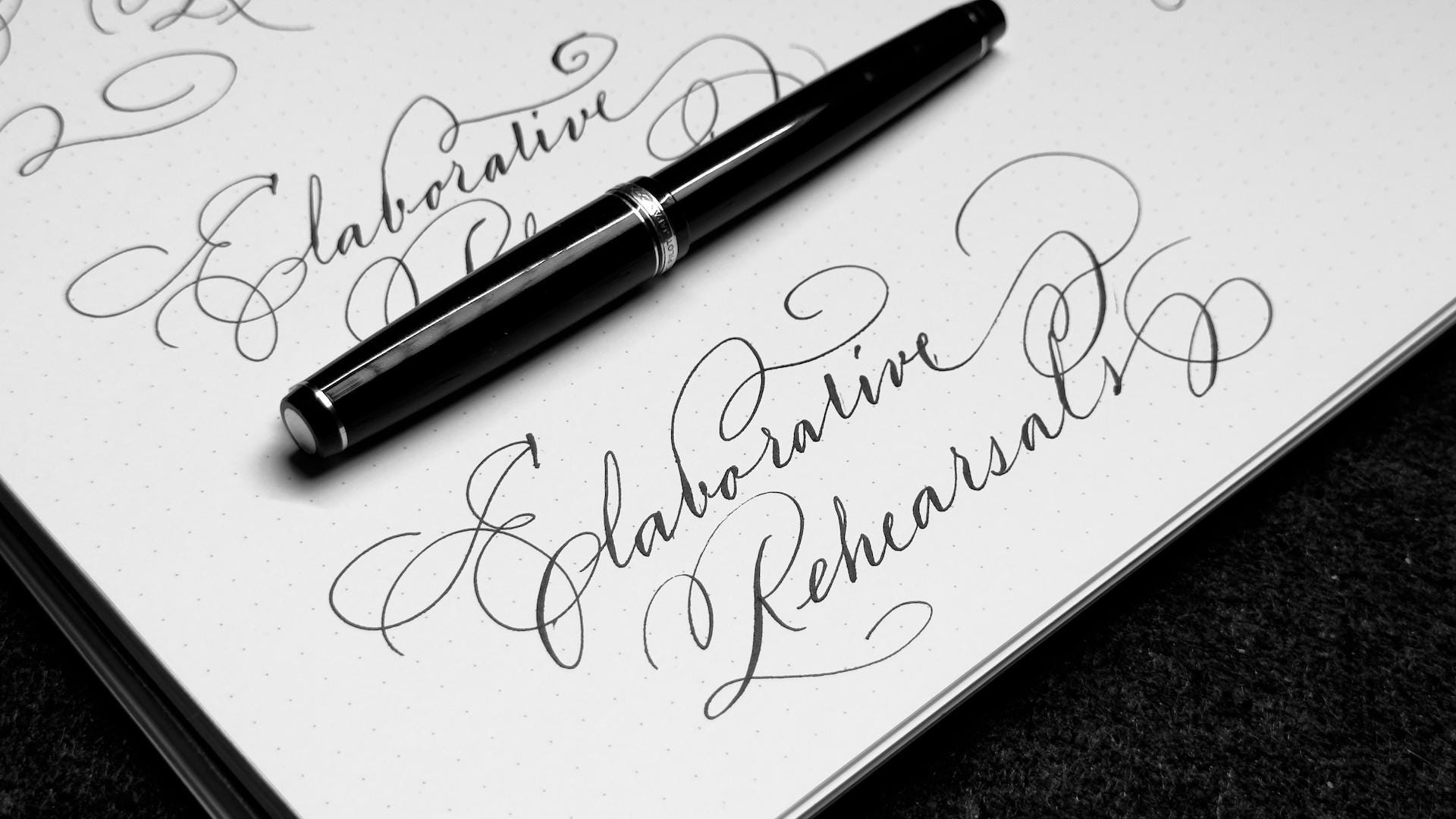
Repeating items over and over, called maintenance rehearsal, is not the most effective strategy for remembering. Instead, actors engage in elaborative rehearsal, focusing their attention on the meaning of the material and associating it with information they already know. Actors study the script, trying to understand their character and seeing how their lines relate to that character.
Actors search for meaning in the script, rather than memorizing lines. The actors imagine the character in each scene, adopt the character’s perspective, relate new material to the character’s background, and try to match the character’s mood. Script lines are carefully analyzed to understand the character’s motivation.
Meaningful associations help us remember, and elaborative processing produces more semantic associations than does shallow processing.
On Workspaces
This past week, I discovered an app called Spaces that lets you save and restore different workspaces with various apps. If you’re working on a project that requires multiple apps or windows, you can click one button to have them all in front of you, ready to use. Switching to another set of apps is just a click away.
While most of my projects don’t need multiple apps open at once, the Spaces app still sounds helpful. I took inspiration from it and replicated a similar setup using Yabai—which auto-organizes windows in a tiled layout—and Keyboard Maestro, which allows you to launch, quit, and control apps and their windows. I can basically close all windows or hide all apps and then make a KM macro which will launch what I specifically need. Since I usually only need one or two apps open, I’m not sure how much I’ll use this setup. However, I enjoy quick automation projects like this because they help me learn more about Keyboard Maestro and Yabai.
If you use Yabai, this article can also give you some ideas.
On App-Switchers
I’ve been a bit obsessed with App Switchers for a few weeks already. I’ve been testing a lot of apps and grabbing inspiration for whatever I can implement with tools I already have (Karabiner, Yabai, Keyboard Maestro, BetterTouchTool, and Alfred). I’ve got a solid setup already for my keyboard, but there’s times where I just need to grab my mouse. In those cases I’ve been pretty happy with Charmstone, a tool that—with a click—brings up a menu of apps around my mouse and I can jump to any of them with a quick action. This morning, though, I found something new that could possibly change my app-switching mouse setup: Kando.
Kando seems to still be in early development, but after testing just a little bit I could replicate the same behavior I was getting with Charmstone. Kando, however, can do so much more. The actions go beyond just activating apps: it can trigger macros, it can run shell scripts, it can present multiple menus with different shortcuts or the same shortcut can trigger different menus depending on the front app, it can create submenus and submenus of submenus, and more. From other similar apps I’ve tested, this—in my honest opinion—is at the very top, and it’s FREE. Other alternatives would be Circmenu, Orbital, and Pie Menu. Charmstone is still a fantastic app and may be enough for most people, but I’m excited to see where Kando and its development goes.
On AI
The official ChatGPT App for desktop is now available to all users (with Apple Silicon chips). While the app is a convenient option, it doesn’t seem to offer anything groundbreaking compared to the existing AI apps. I’ve seen demos but have little interest in installing it. I personally have limited use for vision models, and when I do, TypingMind still meets my needs. This could change once the new voice features are released, but still, I’ve always felt the free version of ChatGPT to be less capable than using it via API. The main drawback of the official ChatGPT app (apart from having a lazier model) is that it’s solely focused on ChatGPT (obviously), when there are many other models that excel at different tasks. I don’t see myself abandoning TypingMind, LM Studio, or Kiki anytime soon.
I recently found that Groq also offers Whisper AI through their API. Since I use Whisper transcriptions frequently, I decided to update Kiki, my Alfred Workflow, to fully support Groq (both its text and Whisper models). After some testing, I found that Groq has issues with lower quality recordings. It can skip important sections or present users with repetitions if the recording has silent or noisy segments. In this aspect, the official Openai Whisper API does a better job (as does some of MacWhisper’s latest models). The biggest advantage of Groq is its incredible speed and that using it is currently free, with some limitations. I hope to see improvements in their Whisper AI model and the addition of more text models.
On Cinema
Red Rooms (2023). A psychological thriller/drama which is very character centered and makes wonder a lot. I really liked the space it leaves for the viewer. There’s so much unanswered, but you can sense that all of this was a careful decision for the viewers to inhabit the story. Synopsis: The high-profile case of serial killer Ludovic Chevalier has just gone to trial, and Kelly-Anne is obsessed. When reality blurs with her morbid fantasies, she goes down a dark path to seek the final piece of the case’s puzzle.
Society of the Snow (2023). I must say that I resisted the idea of watching this film for the longest time. I thought I knew the story and that was it. Well, after some research, learning about all the awards and reading some reviews I decided to give it a go. It’s really really good and even though the story itself was not that big of a surprise, the portrayal of the experiences and the character development was. Synopsis: On October 13, 1972, Uruguayan Air Force Flight 571, chartered to take a rugby team to Chile, crashes into a glacier in the heart of the Andes.
About Dry Grasses (2023). Masterpiece. Plain and simple. I feel like every film I have watched by Nuri Bilge Ceylan just blows my mind. This film, like his other works, reveal so much of the human condition. It’s pretty dark, but it’s pretty real, and poetic. Truly, a film that makes me love cinema even more. Synopsis: A young art teacher hopes to be transferred to Istanbul after completing his mandatory duty in a remote village school in Anatolia. After accusations of inappropriate contact with a student surface, his hopes of escape fade and he descends further into an existential crisis.
I discovered that Nuri Ceylan has a YT channel where there’s some extensive documentaries and making-of’s of his films. I’ve just watched a few segments but this resource is HUGE. Oh, and there’s several essays on his work all over Youtube. Even simple essays like this are great for learning about cinema language.

If you liked this you may also enjoy some content I have up on my YT Channel! I don’t hang around social media a lot, but when I do I’m on IG or Twitter. You can also check out some of my online classes, listen to my music, or in case you haven’t already, subscribe to my weekly newsletter. Thank you for reading!