
Artifice, Process, & Permissions
AI's place in art, horror films and theology, downloading audio files from podcasts, stay away from Tahoe 26.1, & Alter's dictation upgrade
Hey guys, here’s a few things that stood out from my previous week:
On Art vs AI
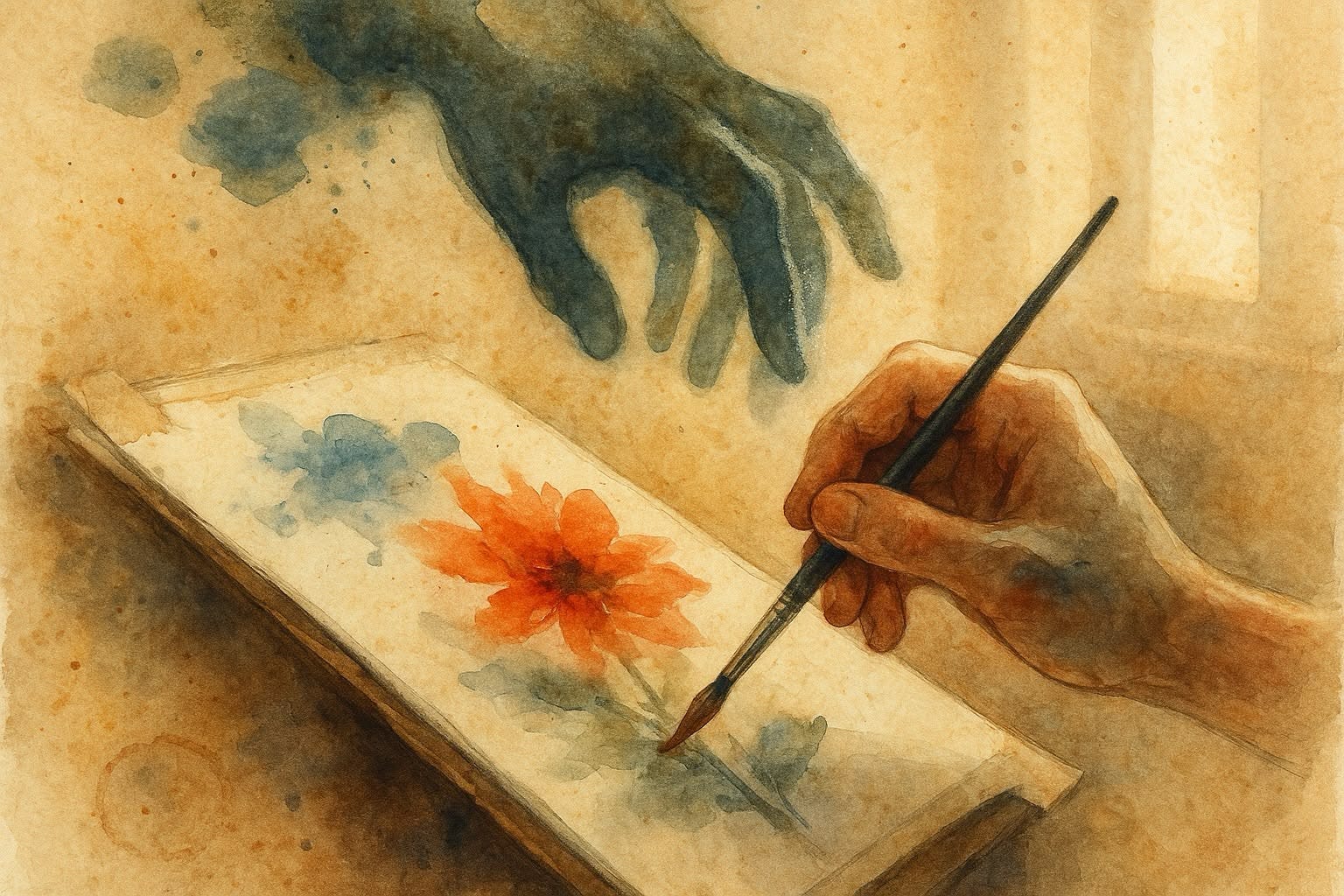
A few days ago, I watched this video from Thomas Flight about AI and art. I’m genuinely excited about AI, which is why this whole debate interests me. But I also love art and admire a lot of filmmakers, photographers, and painters who don’t share that enthusiasm. I was curious where Thomas would land. I’ve seen plenty of creatives attack AI without even trying to understanding it or explore both sides of the topic. But his approach was different. He focused on what art actually means, what the artistic process is for, and why letting AI replace that process “might” not be the best approach.
About halfway through, I found myself agreeing with pretty much everything. He’s right, AI can’t replace the human experience or the personal meaning that comes from the process itself. That’s not something a machine can do.
Another thing I hadn’t thought about is this line between art and artifice presented in the video. Artifice having the purpose of pushing, selling, promoting an idea. Art, on the other hand, existing just to express or show a vision of the world. Not everyone will agree with that distinction of course, but that’s a whole other conversation.
What I was interested in hearing Thomas cover was, what about using AI as a tool? Up until now, that’s been my thinking—AI opens up amazing possibilities for creatives when it’s used as a tool. But then the video does makes some solid points on this argument as well. AI does too much, and it does it too well. A brush helps you paint, but it’s not painting for you. It’s not making decisions. It helps in your process without taking over. AI, though, might be different. It risks pulling you out of the process entirely. And those mistakes, those moments of struggle… that’s where meaning shows up in art.
I think it’s a super interesting topic. If you’re into art and AI, I’d really encourage you to watch.
A few favorite highlights:
If the essence of a work of art is often found in the very process of attempting to get to an outcome, AI disconnects us from that process. So, if we want the machine to make our art for us, it strikes me that we may not understand the purpose of the art we’re making. That the true value of that art is not a perfect outcome that we imagine AI will help us achieve, but the process we take to get to an outcome. And when we use AI, we risk undermining the very process that allows deeper meaning to emerge through our work. A typewriter might have made writing words more efficient, but it did not write the words for you. AI risks doing too much. And in that process, artistry loses out.
If you want to make true art rather than just artifice, I think you have to engage with the artistic process. Not so that you end up with a perfect finished work at the end that makes the experience you’re trying to express comprehensible, but in order to have a work that brings the audience along on your attempt to express the incomprehensible. This is why looking more closely at a work of art reveals deeper meaning, while looking closer at a work of artifice often reveals it to be less meaningful than it originally seemed.
What if we’re seeking a machine that can perfectly fill our prompts when what we truly desire is for ourselves to be prompted by an artistic vision. To care enough about something, an experience or perspective on the world that we want to do the creative labor ourselves, to falter through the decisions and learning process, finding the expression of that astonishment in each brush stroke. What if what we want is an artistic project where no shortcut is fulfilling? Because the project is not a means to an end, but fulfilling as a process in and of itself, as a part of life, which is not a problem to be solved, but a mystery to be astonished by.
On Horror & Religion
This past week, I listened to a podcast episode about horror films and theology. It’s not a podcast I normally follow—actually, it was the first time I’d heard it. The host invited Ryan Duns, writer of The Theology of Horror , and I thought the conversation was really interesting.
I watch a lot of horror films. Not the quick/cheap jump-scare stuff, but films that actually have something to say. So when Ryan talked about horror as this thing that breaks into our normal life and messes with what we think we understand, it gave me a new perspective. Horror lives in that disorientation, that feeling when things stop making sense. And from that angle, these films can actually make you appreciate the regular, everyday things we take for granted.
The Catholic connection that was covered in the conversation was also super interesting. Horror keeps coming back to Catholic imagery—the symbols, the rituals, all of it. It makes sense that it could be because Catholicism has this whole framework for understanding the world, and horror gets to mess with that. When those structures we lean on get flipped around, it just hits different.
Definitely worth a listen, even if you’re not religious.
A few Highlights:
Horror emerges when something disrupts our sense of normality and presents things that don’t fit our understanding of the world—this disorientation is what creates the feeling of horror
Catholicism figures prominently in horror because its rich traditions, rituals, and symbols create a stable framework that horror can then violate and subvert
Horror films are fundamentally conservative—they require us to believe the status quo is worth preserving, which is why the monstrous entity feels so threatening
On Podcasts
While working on this newsletter and trying to figure out how to get highlights from that podcast episode above, I discovered a way to download audio files from popular podcasts. Normally, I don’t need to do this, everything is handled by Snipd. But since I wanted notes from this episode directly on my desktop, I had to download the audio file and transcribe it manually. Here’s how I did it:
Searched for the podcast in podcastindex.org
Clicked the “copy RSS feed button”
Open the RSS feed page & search for the episode name
Look for the MP3 file in that section
Download it with Downie
Downie, by the way, is my favorite app for downloading videos or audio files from online sources. I tried downloading the audio directly but it had copyright protection. The RSS method worked without any issues. I just pasted the MP3 URL into Downie, and it downloaded right away.
Just something useful in case you ever need to download audio files from popular podcasts.
On MacOS 26.1
This past week, I updated my system to the latest macOS 26.1 Tahoe and found a very inconvenient bug affecting several apps on my system, such as Yabai, Janky Borders, and my very own Macrowhisper.
The issue appears when you try to give accessibility permissions to a CLI app. You will be presented with a pop-up telling you that permissions are required, and when you try to add it, the settings panel will not list the app. You may attempt to add the app manually by clicking on the plus button, but once again nothing will happen. Here’s a workaround which basically involves dragging the binary to the permissions window. There’s this other app that helps with the same thing, though it requires SIP disabled.
In my case, I’m not quite sure how I made it work, but suddenly I was able to enable accessibility permissions after pressing that plus button many times. I decided not to touch this anymore for fear of messing it up.
I can see those invisible apps if I run this command in the terminal, which reads directly from the database:
sudo sqlite3 /Library/Application\ Support/com.apple.TCC/TCC.db “SELECT client, auth_value, auth_reason FROM access WHERE service=’kTCCServiceAccessibility’;”
There’s this thread in Yabai’s repo tracking the issue. Unfortunately, users have reported the bug is still there on the 26.2 beta. I’m holding off on pushing any updates to Macrowhisper until there’s a better solution, or at least until I’ve tested the workarounds above a bit more.
If you are someone who has several CLIs on your computer that require accessibility permissions and haven’t updated macOS, I suggest holding off unless it’s necessary.
On Link Sharing
One app I find myself using quite often is Hyperduck. It lets me send links from my phone that are automatically opened on my desktop. This syncs over iCloud, so it doesn’t matter if I’m on the same network or not. I do this a lot when I’m walking outside or away from home. Instead of adding a note or a task in Craft to remind me about checking a link, I just send it to my computer. When I sit down, it’s there right in front of me. It’s also useful if I want to run a shortcut on my computer while I’m away. Since the Shortcuts app lets you run shortcuts via URLs, all you need to do is send a URL to trigger that shortcut remotely. This opens up a lot of automation possibilities.
What I wanted to share is that last week, I discovered this other application called CleanLinks. It does more than Hyperduck, but it also has that same feature. Super handy if you didn’t grab HyperDuck back when it was free, because right now it’s already at $5 (and CleanLinks is free).
On Alter Dictation
I have mentioned Alter several times, it’s the AI assistance app I use most. I love its context awareness and tool integrations, but I’ve never been convinced by the dictation capabilities, they felt too basic and a bit awkward, I just wasn’t sure where they could fit in the AI dictation space. A few days ago the team pushed an update that exposes the default cleanup prompt, letting you customize it and add features like context gathering. This small change elevates the dictation side dramatically and gives Alter new power it didn’t have before, making it a more compelling alternative in this area. I know there’s more improvements are planned, but this is already a major step forward.
I was surprised to see that the prompt they have set as default right now is the one I wrote and shared in my latest video, my Flex Prompt. I’m not sure this is the best prompt to have as default without any sort of instructions (because it follows some formatting commands that I know would confuse some). But if you haven’t checked it out, there is documentation and you can try it out in your favorite dictation app. My recommendation, as usual, is to try it with Groq’s Kimi (for speed), or with ChatGPT 5 (for longer dictations).
By the way, if you want to check out Alter, use the code AFT to get a 10% discount. I’m thinking about making more content on this app, it’s just so easy to get lost with everything it can do.
On Deals
Recut, which I use to speed up my editing workflow and remove silence, has already started their Black Friday sale. Check it out if you’re into content creation or any sort of talking head video. I’ve heard it’s also great for podcasts.
Are there any apps you’re looking forward to getting as a Black Friday deal? I’m looking forward to getting some plugins from Soundtoys 🤩
On Cinema
No. 10 (2021). I love the rare blend of auteur and absurdist cinema, like early Yorgos Lanthimos. In this case this is a film by Alex van Warmerdam, another master in this same style. The film is surreal, brilliantly random, and definitely not for everyone, but if you enjoy the nonsensical, you might love it. Synopsis: A stubborn stage actor navigates single fatherhood, a strenuous theatre project, an adulterous love affair, and the confounding dreams awakened by a puzzling street encounter with a mysterious stranger.
The Smashing Machine (2025) Ok, I was just hoping for a bit more from Benny Safdie. Still, great movie—amazing performances. Synopsis: In the late 1990s, up-and-coming mixed martial artist Mark Kerr aspires to become the greatest fighter in the world. However, he must also battle his opiod dependence and a volatile relationship with his girlfriend Dawn.

If you liked this you may also enjoy some content I have up on my YT Channel! I don’t hang around social media a lot, but when I do I’m on IG or Twitter. You can also check out some of my online classes, listen to my music, or in case you haven’t already, subscribe to my weekly newsletter. Thank you for reading!
Another excellent piece. When it comes to downloading podcasts, I simply find the podcast episode in Apple Podcasts on my Mac, right-click and press "download." Why are you going through the process using Downie?